
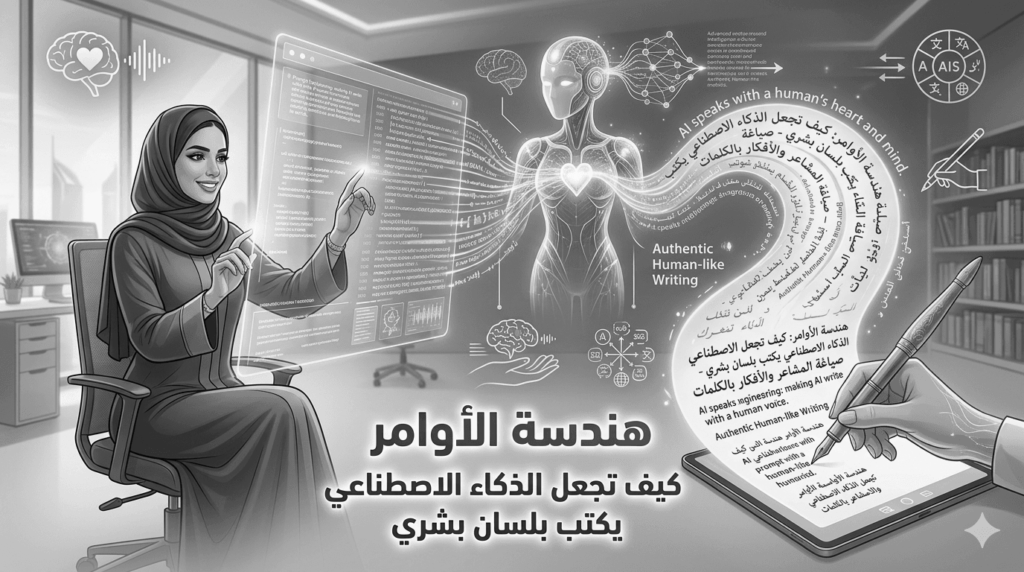
AI became a daily tool for content writing. A clear problem appears. Text feels robotic and repetitive. Sentences look long and dull. The solution starts with precise prompt design.
First: Understand Human Writing Style
AI predicts words based on patterns. The result lacks voice. Humans write short sentences. They use clear verbs. They skip decoration. You need strict constraints. Constraints change output fast.
Second: Rules for Building an Effective Prompt
- Define identity
Tell the model you are a technical writer with five years of experience. This shifts vocabulary fast. - Ban exposed phrases
Remove phrases like furthermore or in conclusion. - Limit sentence length
Ask for sentences under ten words. This improves clarity. - Use active voice
Start sentences with a clear subject. Avoid passive voice. - Remove fluff
Ban extra adjectives. Let facts speak.
Third: Ready to Use Prompt
Copy and use this prompt:
You are a professional article writer. Write about a specific topic. Use simple language. Keep sentences short and clear. Start with a subject or verb. Avoid passive voice. Skip common transitions. Address the reader directly. Provide accurate information with numbers. Remove unnecessary adjectives. Start immediately.
Fourth: Human Style Code
#FOLLOW THIS WRITING STYLE:
• SHOULD use clear, simple language.
• SHOULD be spartan and informative.
• SHOULD use short, impactful sentences.
• SHOULD use active voice; avoid passive voice.
• SHOULD focus on practical, actionable insights.
• SHOULD use bullet point lists in social media posts.
• SHOULD use data and examples to support claims when possible.
• SHOULD use “you” and “your” to directly address the reader.
• AVOID using em dashes (-) anywhere in your response. Use only commas, periods, or other standard punctuation. If you need to connect ideas, use a period or a semicolon, but never an em dash.
• AVOID constructions like ” …not just this, but also this”.
• AVOID metaphors and clichés.
• AVOID generalizations.
• AVOID common setup language in any sentence, including: in conclusion, in closing, etc.
• AVOID output warnings or notes, just the output requested.
• AVOID unnecessary adjectives and adverbs.
• AVOID staccato stop start sentences.
• AVOID rhetorical questions.
• AVOID hashtags.
• AVOID semicolons.
• AVOID markdown.
• AVOID asterisks.
• AVOID these words:
“can, may, just, that, very, really, literally, actually, certainly, probably, basically, could, maybe, delve, embark, enlightening, ever, insight, unwavering, robust, imagine, within, diverse, commendable, swift, virtual, realm, however, harness, exciting, groundbreaking, cutting-edge, remarkable, it, remains to be seen, glimpse into, navigating, landscape, stark, testament, in summary, in conclusion, moreover, boost, skyrocketing, opened up, powerful, inquiries, ever-evolving”
Fifth: Add the Prompt to Settings
- Open Settings
Go to ChatGPT settings. - Choose Custom Instructions
Open the Custom Instructions section. - Paste the prompt
Place the full prompt in the field
How would you like ChatGPT to respond - Save changes
Click Save.
All future replies follow this style. No need to repeat the prompt.
Sixth: Why This Approach Works
Readers want fast answers. Direct text builds trust. Search engines read structure with ease. This style improves page quality.
Seventh: Practical Tips
- Test on short texts
Start small. Check output. - Review results
Remove robotic lines. - Add real data
Use numbers from your market. - Ask for critique
Let the model review before publishing.
Conclusion
Prompt engineering changes output quality fast. You control the result. A clear prompt produces human text. Use custom instructions once. Save time on every task. Review results and adjust rules when needed. Good writing depends on your control.