
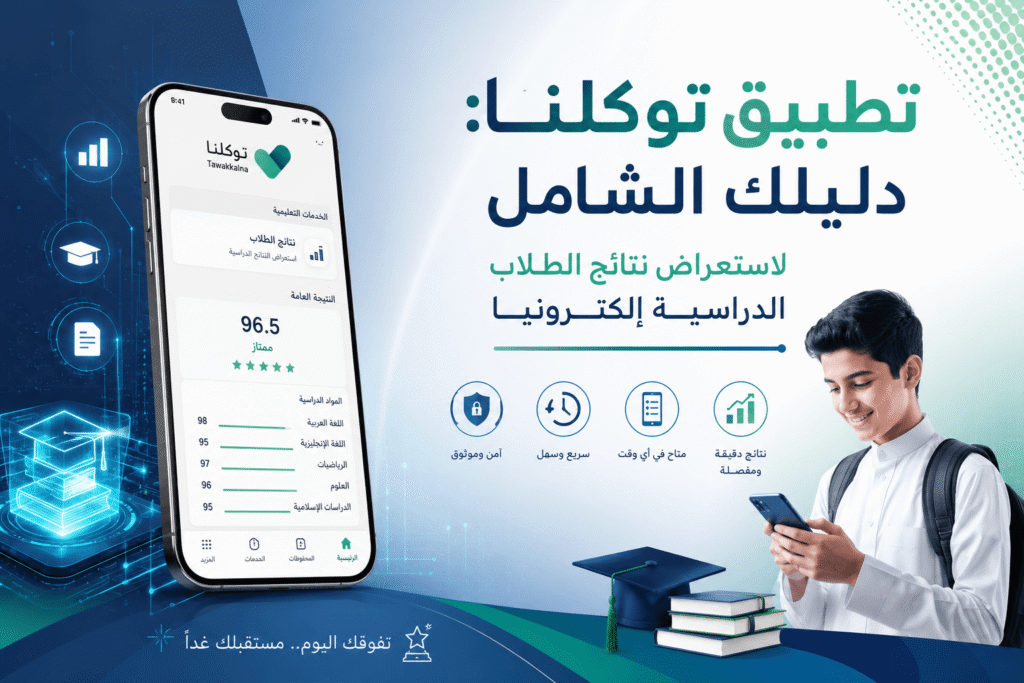
What is the Tawakkalna App?
Tawakkalna is a comprehensive digital platform developed by the Saudi Data and Artificial Intelligence Authority (SDAIA). Originally launched during the COVID-19 pandemic as a health verification gateway, it has since evolved into a full-scale government digital services hub offering dozens of electronic services in one place. Today, Tawakkalna serves as a daily digital companion for millions of Saudis and residents across the Kingdom.
Key Services Offered by Tawakkalna
1. Digital Identity
Enables users to display and verify their national digital identity at any time and location, reducing the need to carry a physical ID card for many official transactions.
2. Health Services
Includes viewing health records, vaccination certificates, and health status linked to the Saudi Ministry of Health system.
3. Traffic & Travel Services
Check traffic violations, renew driving licenses, verify passport validity, and review entry/exit visas — all without visiting a government office.
4. Education Services Linked to Noor System
Tawakkalna is integrated with the Noor System operated by the Saudi Ministry of Education, allowing access to certain educational data through a unified gateway. It’s important to note that detailed academic results are primarily managed through the Noor System directly, with Tawakkalna serving as a routing gateway for these services.
How to Download Tawakkalna
- iOS: App Store
- Android: Google Play
- Huawei: AppGallery
How to Check Student Academic Results in 2026
Important note: student academic results in Saudi Arabia are primarily managed through the Noor System of the Ministry of Education. Results can be accessed through two pathways:
Path 1: Via Tawakkalna App (for linked services)
Step 1 — Log In: Open Tawakkalna and enter your National ID and password. If you don’t have an account, register by linking to your Absher account.
Step 2 — Navigate to Services: From the home screen, tap “Services” or search for “Education” or “Noor” in the search bar.
Step 3 — Select Ministry of Education Services: Look for Ministry of Education or Noor System services within the available list and select “Academic Results Inquiry” if available.
Step 4 — Select the Student & View Results: Choose the student’s name from the list linked to your account, then select the semester to view results.
Path 2: Via Noor System Directly (Most Comprehensive)
Step 1: Visit noor.moe.gov.sa or download the Noor app on your device.
Step 2: Log in using your National ID and password (or via Absher).
Step 3: From the dashboard, select “Student” → “Academic Results”.
Step 4: Select the academic year and semester — all subject grades, ratings, and absences will be displayed in full detail.
For a comprehensive guide to the Noor System, read our full article: Noor System Saudi Arabia 2026: Login, Results, and Complete Services Guide.
Comparison Table: Tawakkalna vs. Noor System
The table below highlights the key differences between both platforms to help you choose the right tool:
| Criteria | Tawakkalna App | Noor System (Ministry of Education) |
|---|---|---|
| Operating Authority | Saudi Data & AI Authority (SDAIA) | Saudi Ministry of Education |
| Primary Purpose | Unified gateway for multi-sector government services | Full management of the educational system |
| Academic Results | Limited / routes to Noor System | Full & detailed for all educational stages |
| School Registration | Inquiry & referral only | Full registration & management |
| Digital Identity | ✅ Fully available | ❌ Not available |
| Health Services | ✅ Available | ❌ Not available |
| Traffic Services | ✅ Available | ❌ Not available |
| Teacher Data | ❌ Not available | ✅ Fully available |
| School Administration | ❌ Not available | ✅ Available for principals & admins |
| Ease of Use | ⭐⭐⭐⭐⭐ Simple & fast | ⭐⭐⭐⭐ Comprehensive & specialized |
| Registration Requirements | National ID + mobile (Absher) | National ID + school link |
| Official Website | ta.sdaia.gov.sa | noor.moe.gov.sa |
When to Use Tawakkalna? When to Use Noor System?
Use Tawakkalna when you need to: display your digital ID, check your health record, verify traffic violations, or access multiple government services at once in a quick and unified way.
Use Noor System when you need to: view complete and detailed academic results, track student absences, register in schools, or manage educational operations as a teacher or school principal.
Official Resources & Support
- Tawakkalna Official Website: ta.sdaia.gov.sa
- Noor System Official Website: noor.moe.gov.sa
- Saudi Ministry of Education: moe.gov.sa
- National Unified Platform: my.gov.sa
- Absher Platform: absher.sa
- Unified Support Number: 19911 (Government Communication Center)
Frequently Asked Questions (FAQ)
Can I view student academic results directly from Tawakkalna?
Tawakkalna is integrated with the Ministry of Education’s services via the Noor System. Some educational services may be available directly or by routing you to the Noor System. For comprehensive and detailed results, it is recommended to use the Noor System directly.
What should I do if results are not showing?
Ensure the student’s data is up to date in the Noor System, and wait for the official result announcement from the Ministry of Education. If the issue persists, contact the student’s school directly or reach technical support at 19911.
Does Tawakkalna require an Absher account?
Yes, registration in Tawakkalna requires your National ID number and the mobile number linked to Absher for identity verification and to complete the registration process.
What is the difference between Tawakkalna and Noor System?
Tawakkalna is a multi-sector government platform covering health, identity, traffic, and education services in one place. The Noor System is exclusively dedicated to educational services, managing complete student, teacher, and school data. Refer to the comparison table above for a full breakdown.
Is Tawakkalna free to use?
Yes, Tawakkalna is completely free to download and use. All government services within the app are provided at no cost to citizens and residents of Saudi Arabia.
Can a guardian follow more than one student?
Yes, a guardian can follow all their children registered in the educational system, provided their data is updated in the Noor System and properly linked to the guardian’s account.
Conclusion: Tawakkalna and Noor — Partners in Digital Education
Together, Tawakkalna and the Noor System represent two essential pillars of Saudi Arabia’s Vision 2030 digital transformation. While Tawakkalna provides a unified gateway for dozens of government services with speed and ease, the Noor System handles the educational ecosystem with depth and comprehensiveness. For the best experience, use both platforms together: Tawakkalna for quick daily government services, and Noor for detailed educational needs.
🔗 Also read: Noor System Saudi Arabia 2026: Complete Guide to Login, Results & Services